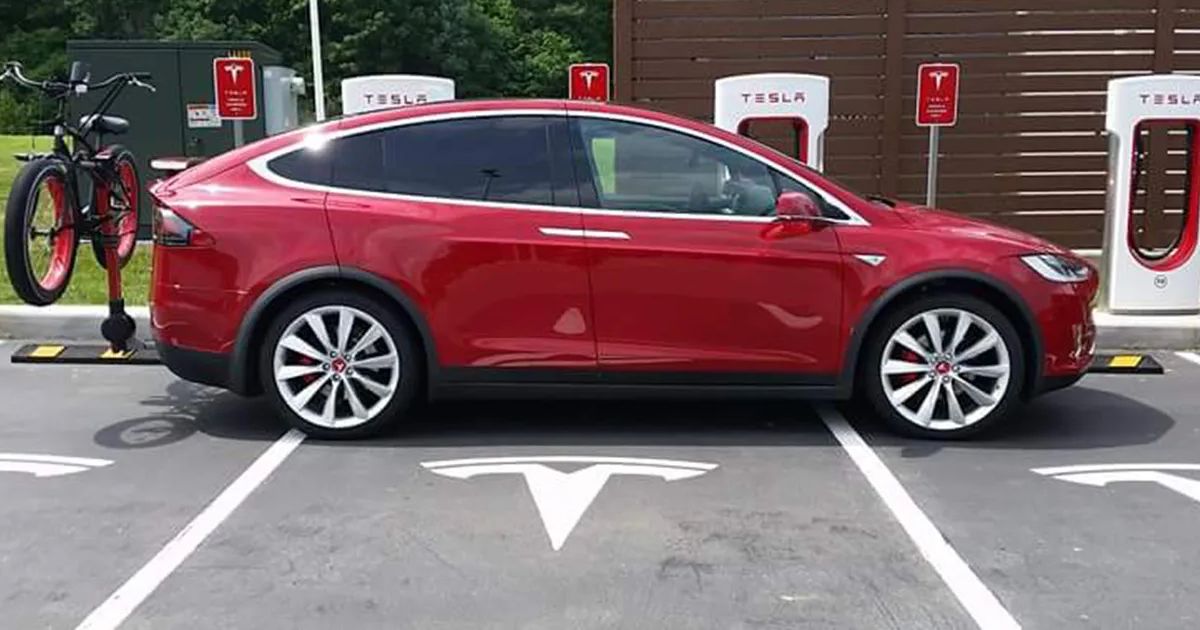
A good Supercharger stop is simple: arrive with a warm battery, take only the energy needed for the next leg, and move the car when charging is finished. The details matter because station hardware, pricing, and fee rules vary by location.
Navigate to the Charger
Use Tesla's Trip Planner instead of driving to a Supercharger from memory. When the vehicle routes to a fast charger, it can precondition the high-voltage battery on the way. A battery that is cold, nearly full, or otherwise limiting charge power will charge more slowly.
Trip Planner also estimates how much energy you need to continue the route. That is usually more useful than choosing the same percentage at every stop.
Do Not Assume Every A/B Stall Shares Power
Some older Supercharger equipment can share available power between paired stalls. Newer sites are designed differently. The original article's rule that "most" stations split power and that an empty paired stall always provides 250 kW is not accurate across Tesla's network.
If the site is open, leaving space between cars can be courteous and may help at older equipment. At a busy site, use any available working stall instead of waiting for a preferred label.
Expect Charging to Taper
Fast-charging power normally falls as the battery fills. Tesla notes that reaching 100 percent usually takes much longer than reaching 80 percent. On a road trip, follow the departure estimate in Trip Planner unless the next leg, weather, elevation, towing load, or lack of chargers calls for a larger reserve.
Do not use a universal "80 percent rule" as a substitute for route planning. The car's recommendation accounts for the planned drive; a fixed number does not.
Check Fees Before You Plug In
Tesla displays current pricing and any congestion or idle-fee rules in the site's card on the touchscreen and in the Tesla app. The amount is not a universal $1 per minute.
At eligible busy sites, congestion fees can begin when the battery reaches the site's congestion threshold, often 80 percent, or when the charging session ends. Tesla provides a five-minute grace period after the fee condition begins. Watch the app and move the car promptly.
Basic Courtesy
- Park within the marked space so the cable reaches without blocking another stall.
- Return before the session ends.
- Do not unplug another driver's vehicle.
- Report damaged equipment in the app and move to another stall if one is available.
- Keep trailers and waiting vehicles out of charging spaces unless the site is designed for them.
If your Tesla remains unusually slow at several Superchargers after navigation-based preconditioning, save the charge rate, battery percentage, temperature, location, and any alerts. A pattern across unrelated sites is more useful diagnostically than one slow session.
References & Further Reading
External resources related to this post. We link directly — no paywalls, no affiliate links.